An iPhone app by Aleksei Bukhalov
Lease Log — Rent Tracker
Keep your move-in photos, repair notes and rent payments together. When you need to share the record, turn your lease binder into one complete PDF.
Capture and backup are free · Complete PDF export: $4.99 once in the US · No subscription
For iPhone with iOS 26 or later. No account required. Prices vary by territory.
Start free on the App Store →
Start while you are walking through the apartment. Follow the room prompts, photograph the details, and note the meter readings. Keep adding records during your tenancy, then repeat the walkthrough at move-out. Lease Log keeps one tenancy on your iPhone.
Prefer to start with a checklist? Read the move-in photo checklist. No app or account is needed.
What it does
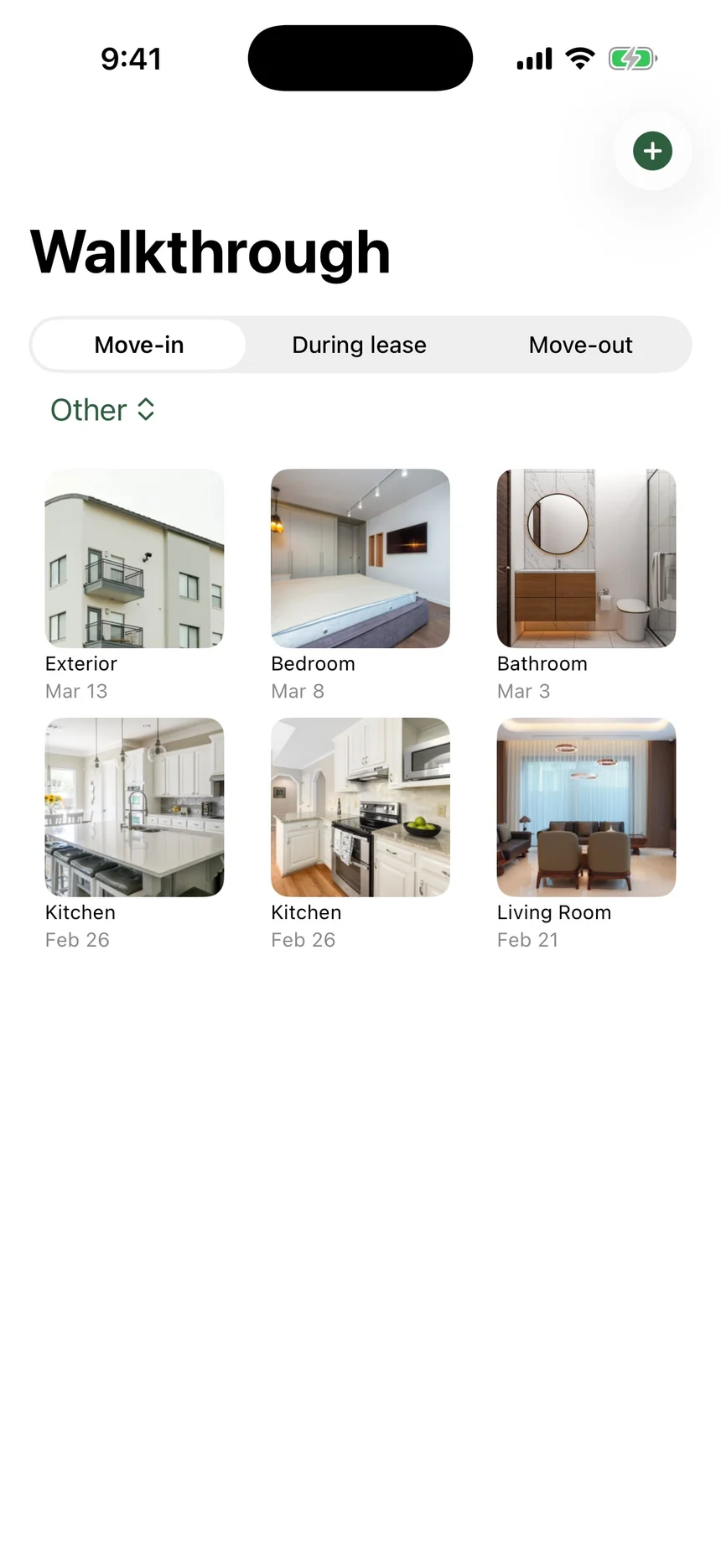
Walkthrough photos
Follow a room checklist at move-in and move-out. Imported photos retain their original dates, so older pictures can join the same record.
Notice deadline countdown
See the days until the notice deadline you enter, with local reminders and widgets. Check the date against your lease and local requirements.
Maintenance log
Keep repair photos, descriptions, dates and status together, so you can find the history of an issue later.
Payment record
Record rent payments with the method and your notes, and see the total. Keep your original payment confirmations too.
Communications archive
Save dated notes about messages and calls alongside the lease. Keep the original messages in their source as well.
Apartment specs
Paint codes, appliance models, breaker map, router model. Things future-you will wish you wrote down.
Contact directory
Landlord, super, plumber, neighbor with the spare key. One tap to call, text, or email.
Backup you control
Save a complete backup, including photos, and restore it on another iPhone. Backup and restore are free; there is no automatic iCloud sync.
Private by default
No account, analytics or ads. Your notebook is stored locally, with an optional Face ID, Touch ID or passcode lock.
Share the whole record in one PDF.
When someone needs the history of your tenancy, send a paginated report with the lease summary, dated photos, repair entries, payments and communication notes. The $4.99 one-time unlock in the US lets you generate and export the complete report. Nothing renews.
The report compiles the records you enter. It does not certify their accuracy, guarantee a deposit outcome, or provide legal advice.
See the output before you buy: open a sample report (PDF, 8 pages, 1 MB). No account or purchase is needed to view it.
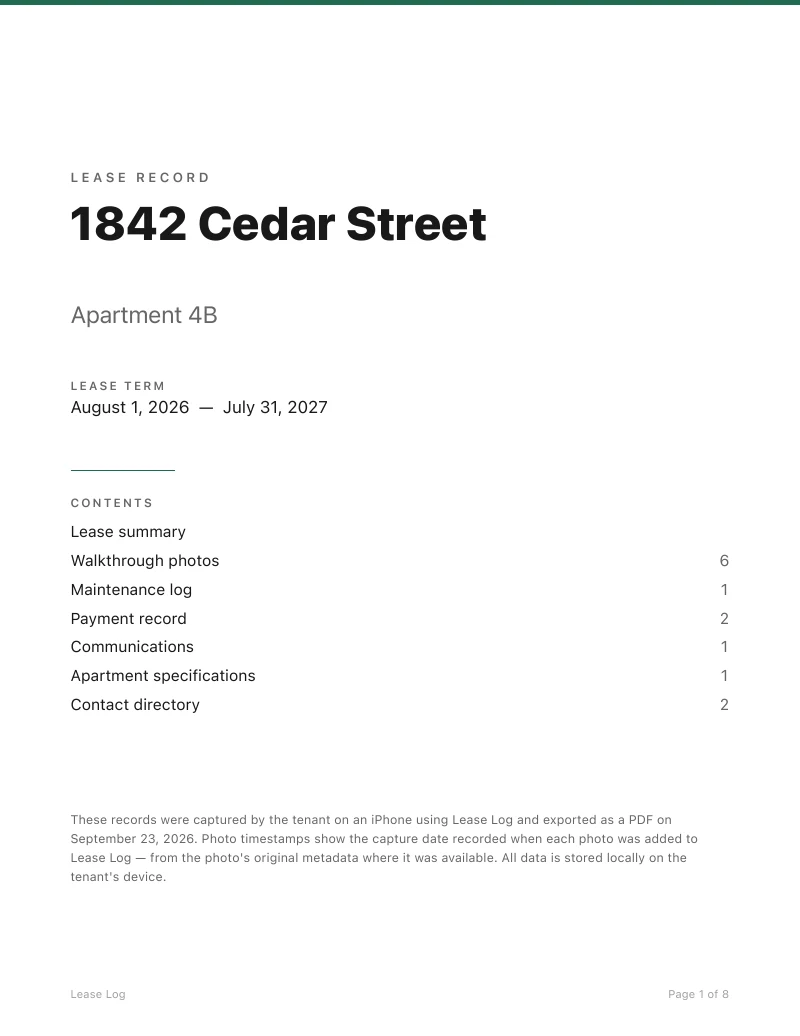
Cover page
Address as document identity, lease term, contents with counts, statement of provenance.
Lease summary
Key terms in a compact table — rent, deposit, dates, notice period, landlord.
Walkthrough photos
3-column grid, ISO timestamps, grouped by phase: move-in, during, move-out.
Maintenance log
Tabular layout with reported / status / fixed dates and full descriptions.
Payment record
Right-aligned monospaced amounts and a clear total at the bottom.
Communications
Quoted-block style with topic, source, date, and the exact message.
Apartment specs
Model numbers in monospaced text, grouped by category.
Contact directory
Everyone referenced in the record, with role, phone, and email.
Your notebook, under your control
Lease Log has no developer upload service, analytics or ads. Photos and notes are stored in the app on your iPhone. Apple handles purchases. Exported reports, manual backups, and your device backup settings determine where copies go. Save a backup before deleting the app or moving to another phone.
Also by Aleksei Bukhalov: Inhale — Breathe & Calm · MenoLog